More Advanced Clicker Game
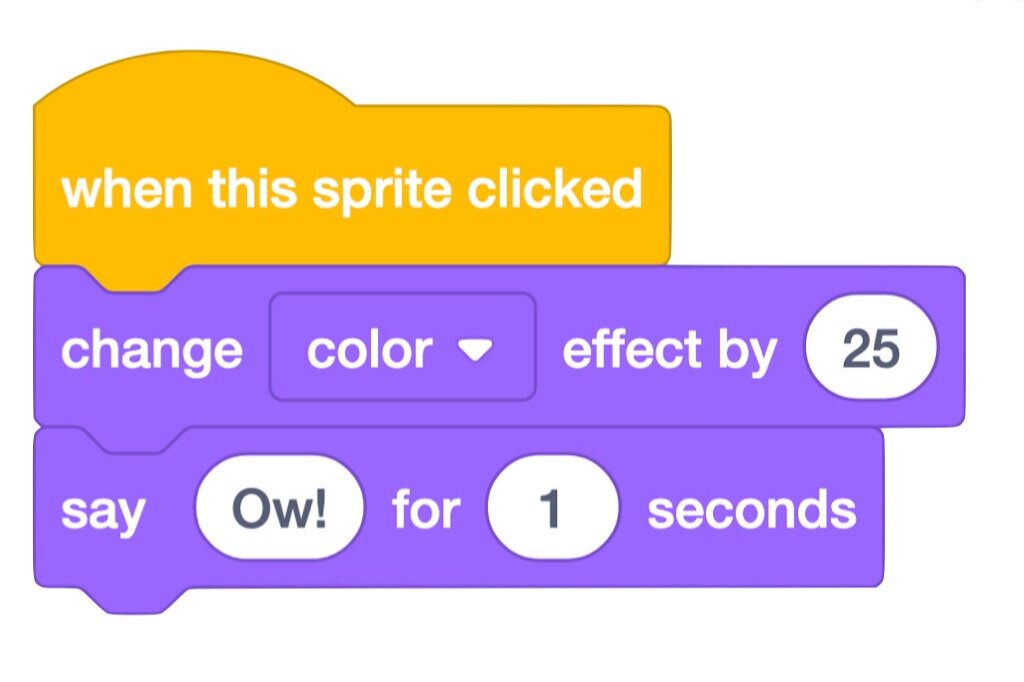
The easiest way to build interaction on a mobile device is to use the “when this sprite clicked” event block. When the user clicks the sprite something will happen. In this example project, the cat sprite will change colors and say “ow!" You can use this event block to trigger all sorts of interesting events. Maybe the sprite will disappear, tell part of a story, lose a life, or interact with another sprite.
If you are creating a game, just clicking the sprite might not be enough. What if the goal is to click the sprite but you want something else to happen if the user misses? There is another event block that you can use to trigger something when the background is clicked. Remember that you can also add code to the stage.
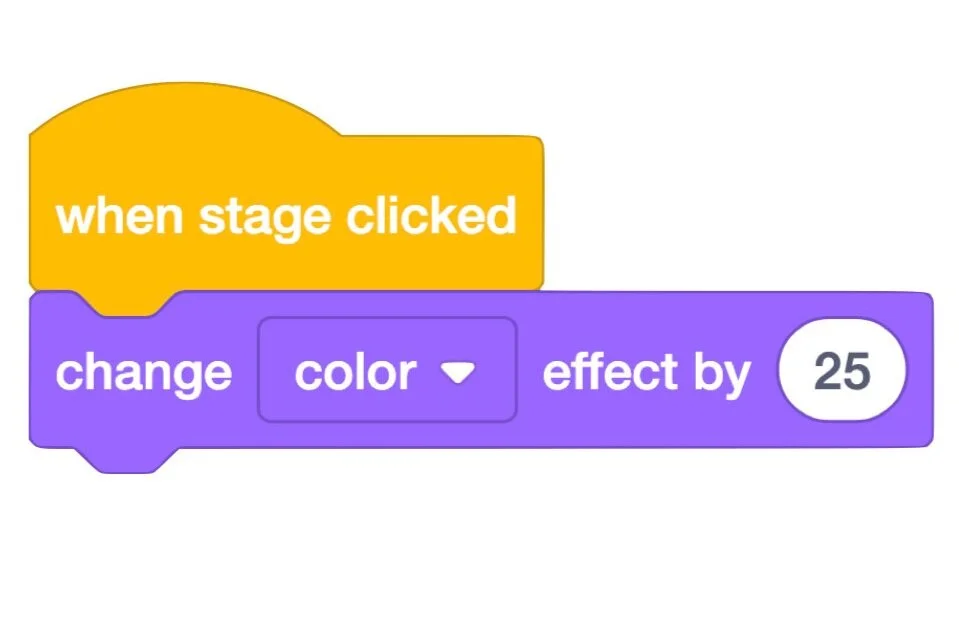
To make your clicker game more interesting at a when stage clicked event. To add code to the backdrop, click on the backdrop in the stage section of the screen. This is usually on the lower, right side of the screen. You will notice that the move blocks disappear from the coding palette since the backdrop doesn’t move. You will also see that the costumes tab at the top now says backdrops. Use the event block “when stage clicked” to make something happen when the user misses the sprite. Maybe they lose a point, the speed changes, or the game ends.